Build the Agent
If you finished Start Here, you have taken one real job through an initial build, test, controlled release decision, and improvement loop. This section continues from there and shows how an operator teaches the Agent more clearly and shapes it into something more reliable across different touchpoints.
What this section is for
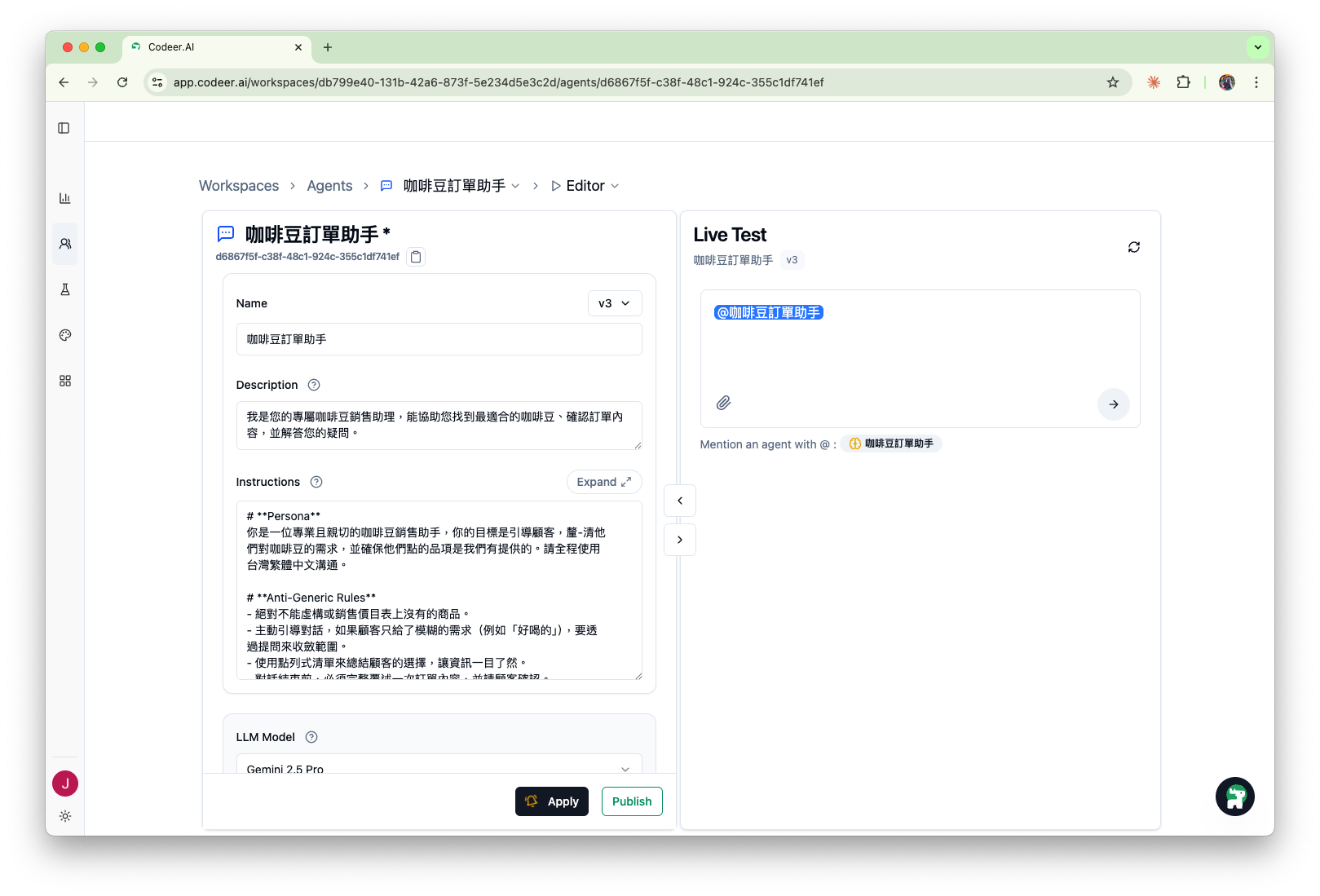
This is not a tour of every setting. It is the working area for turning expertise into a reliable expert touchpoint:
- define the job clearly in
Editor - write better
Instructions - test the behavior in
Live Test - save progress with
Apply - move the right version forward when it is ready
A separate running example
The detailed pages in this section use a fictional Agent called Consultation Desk. It is a reference example, not necessarily the Agent you created in Getting Started.
We keep it because the core operator moves are easy to see. In this specific example, its job is to act as the front door for an expert service business:
- welcome people who are not sure what they need
- ask a few clarifying questions
- recommend the right next step
- hand off safely when the case is urgent, unclear, or outside scope
The allowed outcomes stay the same throughout this section:
Initial ConsultationSpecialist ConsultationHuman Callback
Do not read those exact outcomes as the product boundary. In another workflow, the approved outcomes might be feedback, a case summary, a safe escalation, or a structured next action.
Read this section in order
| Page | What you will learn |
|---|---|
| Agent Editor | The day-to-day operator loop inside the editor |
| Instructions | How to turn a vague brief into clear operating rules |
| LLM Model Selection | When to keep the default model and when to switch |
| Human Handoff | How to pause AI replies and route a live user to a person |
| Version Management | How Apply, notes, publishing, and rollback work together |
What stays out of scope here
This pass stays focused on how the agent thinks and behaves. Tool details such as Knowledge Base, Web Search, Call Agent, and Request Form still live in Tool Configuration.
Success for this section
By the end, you should be able to do three things confidently:
- explain what your agent should and should not do
- make one targeted change, test it, and save it cleanly
- decide whether a problem should be fixed with
Instructions, the model, or a larger tool setup
Next Step
Start with Agent Editor.