Settings
Settings is the administrative home for both organization-level and account-level configuration.
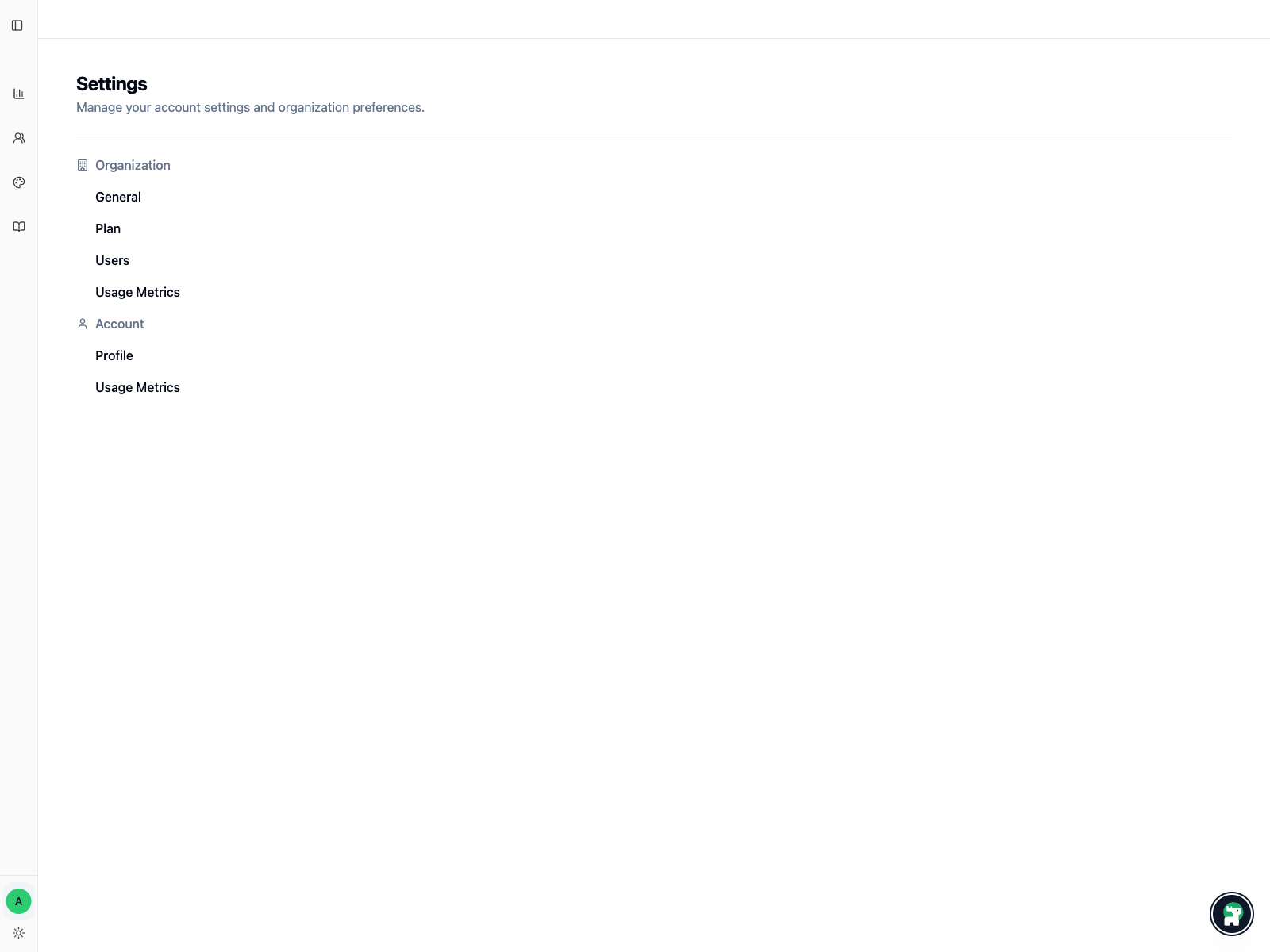
Organization settings
The organization area is where you handle shared administration:
General: core organization information and ownership contextPlan: current plan, credits, limits, payment method, invoices, and plan changes when billing UI is enabledUsers: who belongs to the organizationWorkspaces: workspaces owned by the organizationBrands: shared identity and OAuth configuration used by channelsUsage Metrics: broader usage visibility for the organization
If you are onboarding teammates, Organization → Users is usually the first page you need.
Account settings
The account area is personal rather than shared:
Profile: your photo, name, email, Google connection, and password sign-in methodUsage Metrics: your own usage view
How operators usually use this page
Typical uses are:
- inviting or reviewing organization members
- checking who should own shared administrative responsibility
- confirming that the right people can see the settings they need
Scope reminder
If the question is about one specific workspace, you probably want Workspace Operations instead.
If the question affects multiple workspaces or the whole team, start here.