Manage Permissions
Permissions determine who can use, change, and release work. Assign a role at the scope where the person needs it: organization access governs shared administration, while workspace access governs one operating environment.
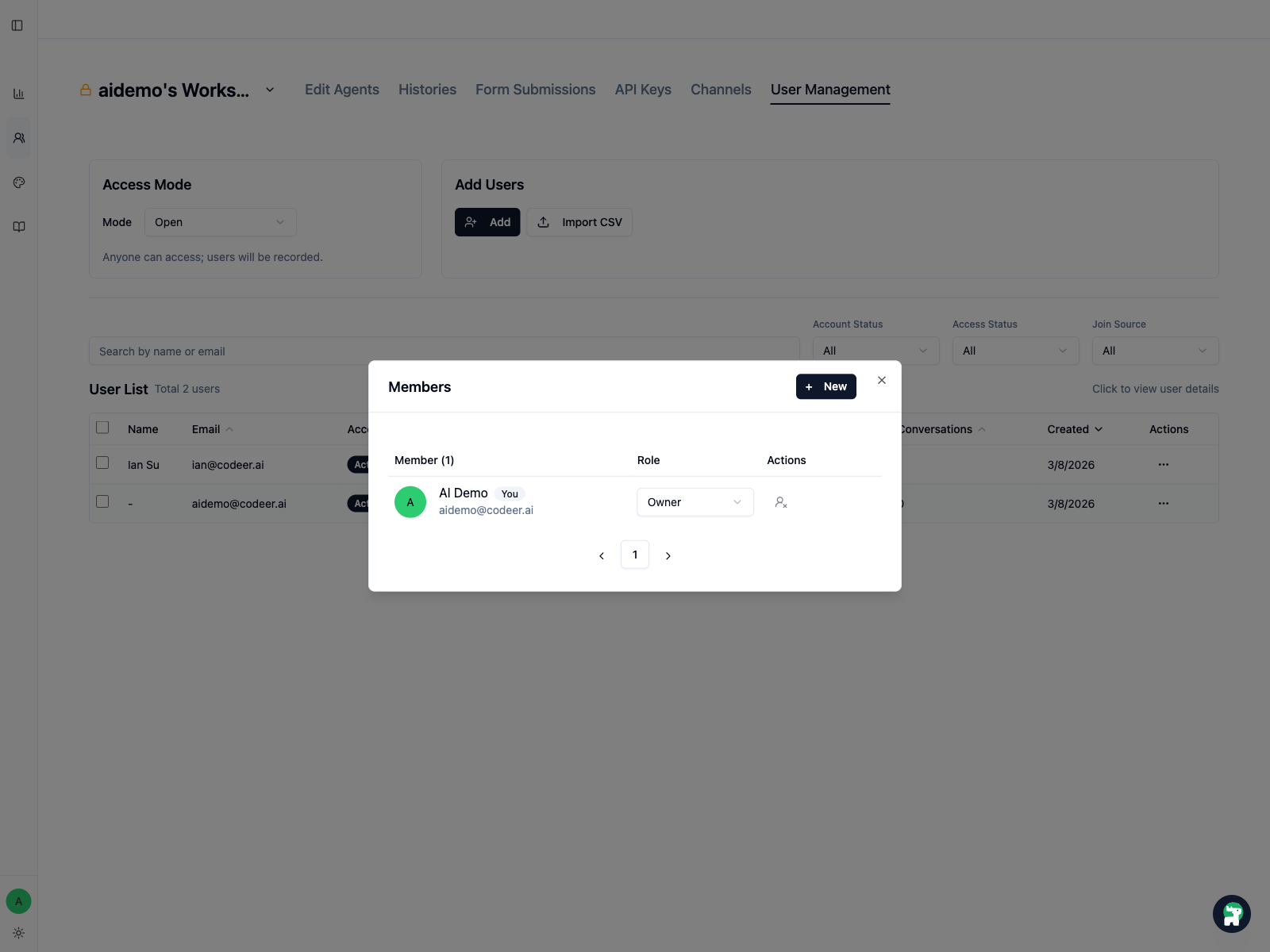
Built-in roles
Both scopes use three built-in roles:
owner: full control of that scope, including its highest-risk access changesadmin: day-to-day administration, with owner-only boundariesmember: use and review access without configuration control
Use the narrowest role that still lets the person complete their work. Organization and workspace roles are evaluated together, so an organization administrator may be able to manage a workspace even when their workspace role is narrower.
Which role is usually enough?
The table shows the narrowest typical role. The exact control is the source of truth: if a button or field is unavailable, ask an owner or an administrator at the broader scope.
| Task | Scope | Narrowest typical role | Important limit |
|---|---|---|---|
| Use a workspace, run tests, and review conversations | Workspace | member |
Cannot change Agent or workspace configuration. |
| Edit and publish Agents, Test Suite cases, Knowledge Bases, Channels, or API keys | Workspace | admin |
Cannot delete the workspace, change roles, add workspace admins, or change client access mode. |
| Add or remove regular workspace members | Workspace | admin |
Adding or removing an admin, or changing roles, needs a workspace owner or organization admin/owner. |
| Delete a workspace or change its client access mode | Workspace or organization | Workspace owner or organization admin/owner |
Confirm the affected Channels and client users before changing access. |
| Create a workspace | Organization | member |
Also depends on the plan's workspace capacity. |
| Add or remove regular organization members | Organization | admin |
Organization admins cannot add or remove organization admins, change organization roles, or edit organization identity. |
| Manage organization admins, roles, name, or logo | Organization | owner |
Keep this role limited to accountable owners. |
| Manage Brands, OAuth providers, Connections, or organization metrics | Organization | admin |
A regular member can view limited shared resources but cannot configure them. |
Roles are fixed permission bundles
Codeer currently exposes the owner, admin, and member bundles rather than custom roles. If someone needs one extra administrative action, do not assume a custom exception exists; either keep the action with an administrator or deliberately promote the person.
Recommended production pattern
- Keep organization and workspace
owners few and accountable. - Give the people who maintain and publish the Agent
admin. - Give subject-matter reviewers and collaborators
memberunless they must change configuration. - Separate review from release in the team's operating process. Codeer records versions and results, but permissions do not automatically create a required approver or publish gate.
Review access whenever a pilot expands, an operator changes responsibilities, or a teammate leaves the workflow.