Knowledge and Integrations
Codeer connects to your business in two ways:
- knowledge the agent uses to answer well
- integrations your team or product uses to run the workflow
Connected data should support the verified scenarios you want the agent to handle. More source material is not automatically better.
For a simple customer service agent, the first connected data might hold only:
- the approved policy or service facts needed for the first scenarios
- the handoff boundary for questions outside the first scope
- the form, API, or channel details needed for approved action scenarios
What this section helps you decide
There are really two decisions here:
- where to store the source material
- when you need an integration instead of just a hosted channel
The first decision happens in Knowledge Base. The second happens when a verified scenario proves the agent needs a tool or API-driven workflow.
Knowledge first, integrations second
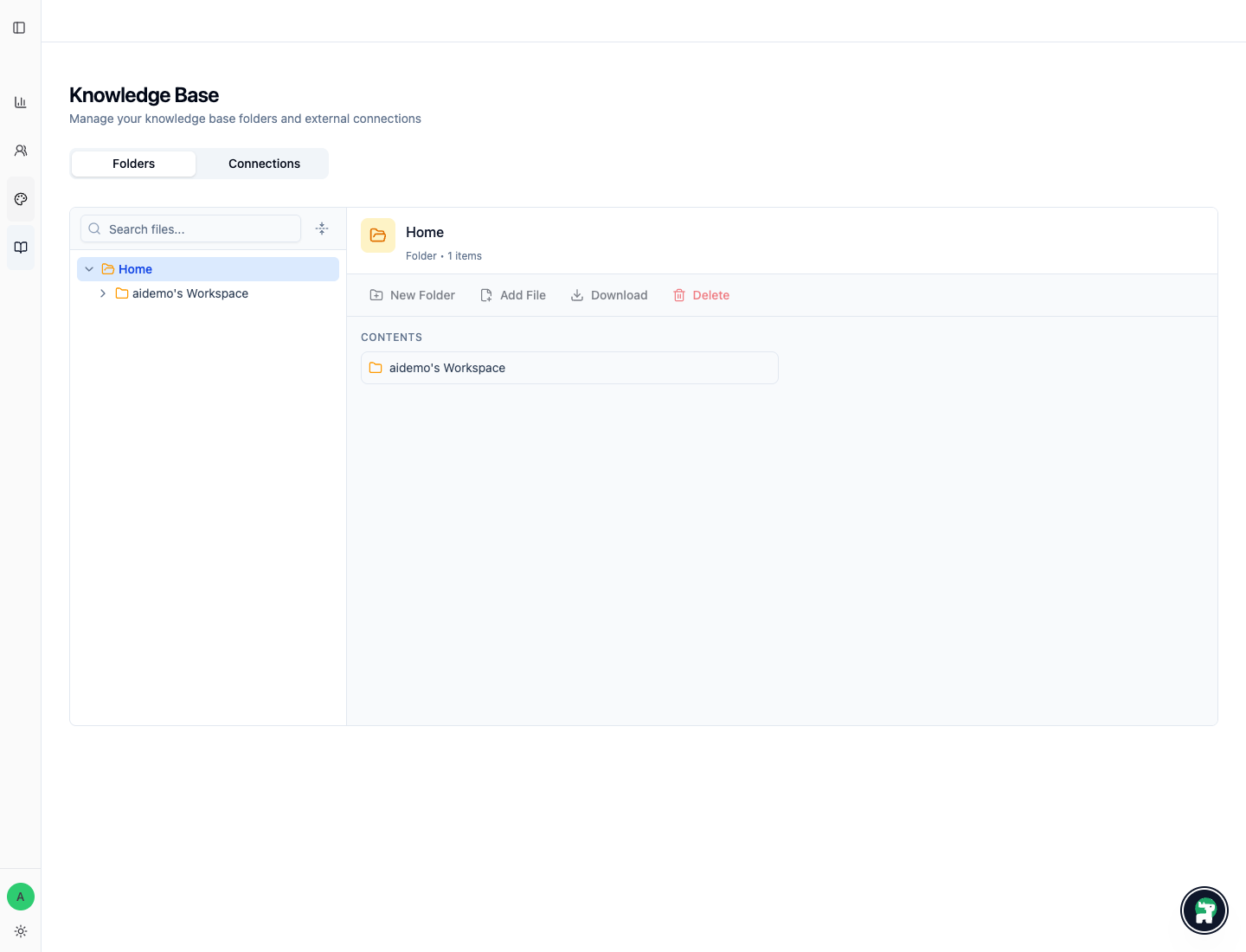
The Knowledge Base area has two jobs:
Folders: where you organize the files the agent may useConnections: where you review external accounts and connected sources
Use Website Crawler when the maintained source is a bounded public website section. Use direct upload or a connected source when an operator should choose the exact files.
In practice, most operators spend most of their time in Folders.
For product or backend integrations, the split is:
- API Access: issue keys and decide which workspace the integration should use
- API Reference: implement the technical request flow
A practical rule for operators
Before you connect anything, ask:
- Which verified scenario needs this source?
- Does this need to be followed on every turn?
- Does this only matter in some conversations?
- Is this source clean enough for an agent to read?
That usually points to the right home:
| If the information is... | Best home |
|---|---|
| Mandatory every turn | Instructions |
| Reference material used only when relevant | Knowledge Base tool |
| Still messy, duplicated, or full of noise | Clean it first before connecting it |
| Something your own product or backend should execute | API Access plus API Reference |
If no verified scenario needs the source yet, leave it out for now. Add it later when a failed case shows the knowledge gap clearly.
Data is a managed snapshot
Connected files should be treated as managed copies, not magical live sync.
When a source document changes, review whether the connected version should also be refreshed.